ARduino Assistant
This project was made by Anjali Gali in collaboration with Lance Hartung and Suman Banerjee at the University of Wisconsin - Madison Computer Sciences department.
Students with dyslexia face under-appreciated challenges during educational activities with microcontroller technologies. In the worst case, middle-school and high-school aged students with dyslexia may have negative experiences that serve as a deterrent to future exploration of STEM topics. Activities involving microcontrollers pose unique challenges for dyslexic students because of the need to read small printed text and the risk of hardware damage due to an incorrect connection.
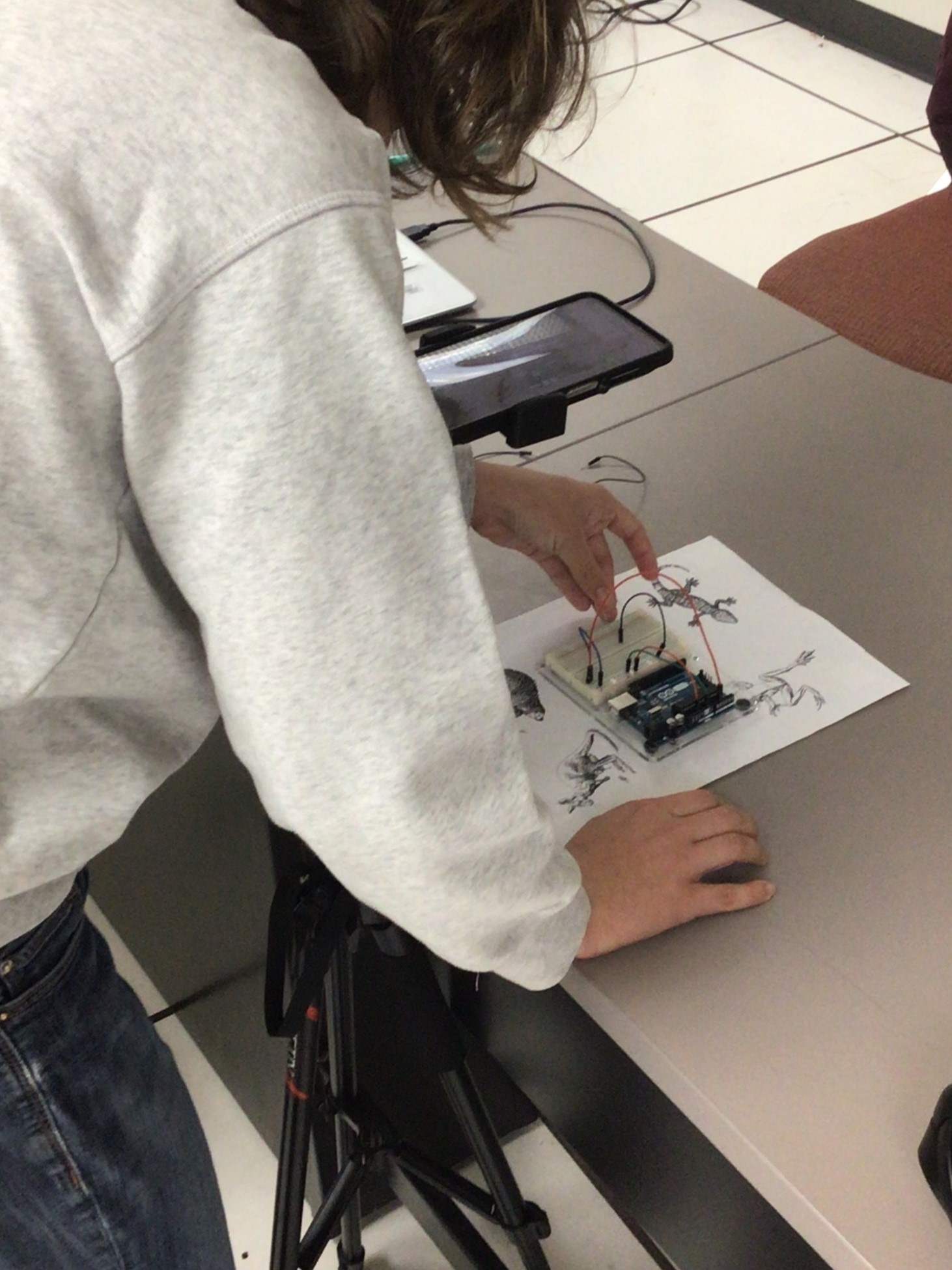
We created an AR application using the Unity Game Engine and the AR Foundation package that uses 2D images to track the movement of an Arduino with breadboard, and track components (such as pins) atop the Arduino. The user can then use the Speech-To-Text Button to search for the components they are looking for using audio, or type them in. These components are then highlighted onboard the Arduino/ breadboard, with a record of the command on the right hand side of the screen. An on-screen, step-by-step tutorial guides users through the process of connecting each component and using each in-app tool
.png)
In order to make our application more accessible, we provided multiple options for a users to input their command to the application, as well as a reference page that uses the OpenDyslexic font to display the commands that highlight the corresponding Arduino components. The app contains:
- A Speech-to-Text button: Records commands from the user. Provides an option for users to input commands without needing to type them manually.
- A List of Previous Commands: Records all previous commands in the form of a list for the user to read.
- A Text-to-Speech button: Dictates list of previous commands to the user. User can listen to the set of previous commands, instead of reading each one.
- A Text Input option: Allows the user to enter commands manually, and modify commands that may not have been recorded correctly.
When combined, these components create an experience that makes the interface easy to navigate, and that the user can customize
In order to understand the challenges faced by users trying to learn microcontroller development, we interviewed 5 total individuals who provided feedback on their personal experiences using Arduino technology. We submitted an IRB in order to conduct these interviews, transcribed each interview and analyzed them using Nvivo.